I started tracking how I actually spent my time about eight months ago. Not what I thought I was doing — what I was actually doing. I used a simple spreadsheet, nothing fancy, just logging tasks in 15-minute blocks for two weeks.
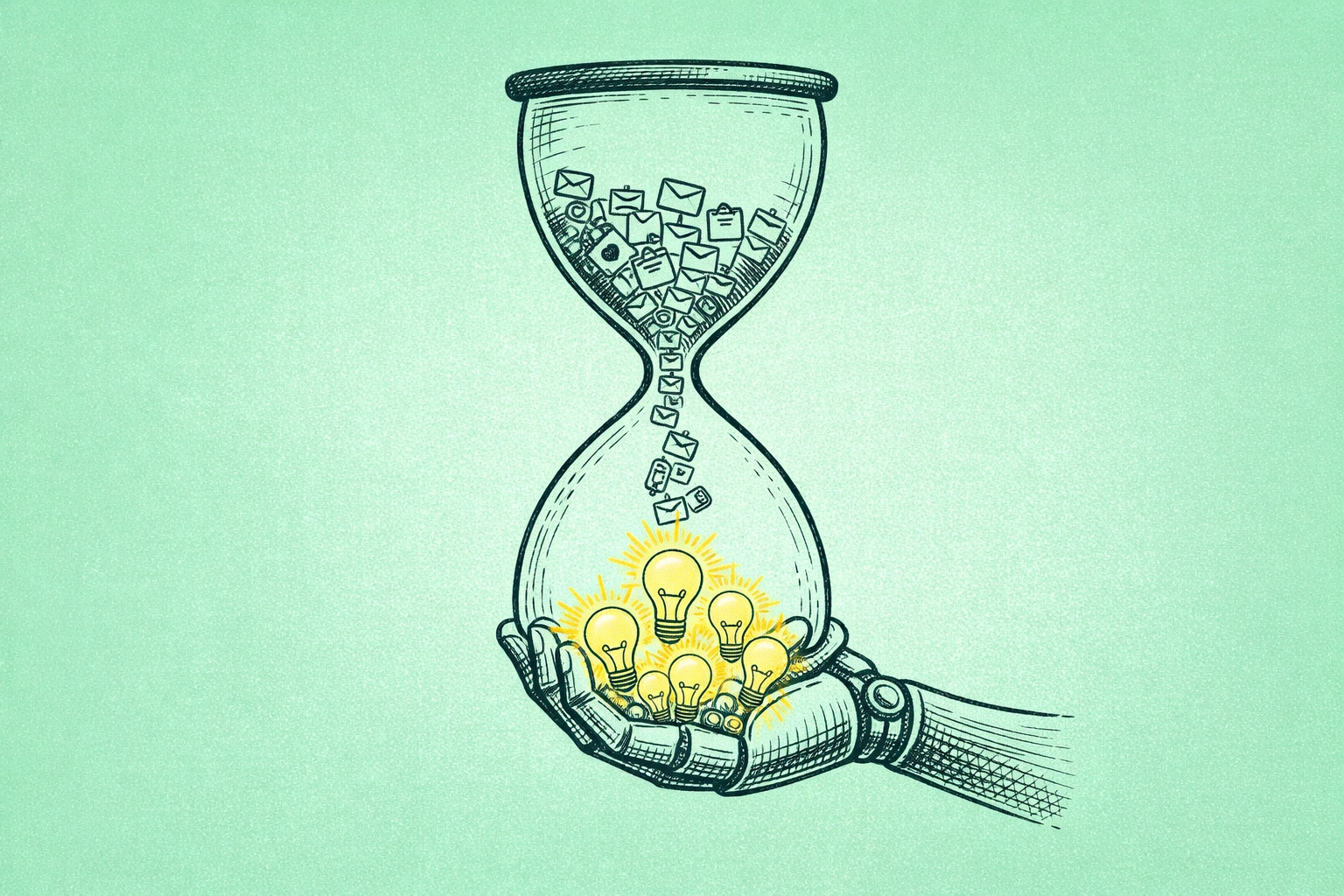
The result was genuinely embarrassing. About 40% of my workday was going to things that produced nothing. Email. Finding documents I already had. Deciding what to work on next. Rescheduling meetings. Research I’d done before and couldn’t find. Admin that existed purely to organize other admin.
That’s not unique to me either. McKinsey found that the average knowledge worker spends 28% of their week just managing email. Another 19% searching for information they already have. Nearly half the workday, gone — not to bad decisions or laziness, just to the operational overhead of staying organized enough to do the actual job.
AI personal assistants in 2026 are, for the first time, genuinely capable of absorbing most of that overhead. I want to be specific about what that means, because the marketing around these tools is still pretty breathless and the reality is more interesting — and more useful — than the hype.
What Actually Changed
The “AI assistants” from 2021 were basically fancy voice search. Siri could set a timer. Alexa could add something to a list. The gap between that and what these tools can do now isn’t incremental — it’s a different category of product entirely.
Three things converged to make this happen. Large language models developed real contextual understanding, so AI stopped pattern-matching commands and started comprehending what you actually meant. Cross-app integration matured, so a single instruction could ripple across your email, calendar, task manager, and Slack without you touching each one separately. And agentic AI gave these systems the ability to act proactively, without waiting to be asked.
The result is something that functions less like a chatbot and more like an operational chief of staff. One who works constantly, costs $50-100 a month, and doesn’t get overwhelmed on Mondays.
Where the Time Actually Goes (And Where AI Gets It Back)
Email and communication is the biggest category, and the most immediately obvious win.
The tool I’ve used longest here is Lindy. Connected to Gmail, it triages my inbox before I open it — categorizing by urgency, drafting context-aware replies, creating tasks from requests, scheduling reminders. A client email arrives asking for a proposal. By the time I see it, there’s already a draft acknowledgment, a task created in my project manager, and a calendar reminder set. I review and send. The whole thing takes two minutes instead of fifteen.
One limitation worth naming: AI handles routine communication well. Anything with relationship nuance, subtext, or political complexity — it falls apart. I once let an AI draft a reply to what seemed like a standard client check-in, and it missed completely that the client was actually frustrated about something. The words were technically fine. The tone was wrong. I caught it, fortunately. But that’s the kind of error that’s expensive if you don’t.
Join The Global Frame
Money, work, and tech — one read every Saturday that actually changes how you think.
Calendar and task management is where I’ve seen the most consistent impact over time.
Motion is the tool I’d recommend here without hesitation. It doesn’t just schedule meetings — it dynamically re-optimizes your entire day, dozens of times, as things shift. You have 20 tasks due this week, three recurring meetings, and a new client call that just got added. Motion figures out what gets scheduled when, protects your deep work windows, and automatically pushes low-priority tasks when something urgent appears. Reclaim.ai does something similar and has a genuinely useful free tier if you want to test the concept before spending money.
What these tools can’t do: determine strategic priority. If everything is labeled urgent, the algorithm just surfaces chaos back at you. You still have to think clearly about what actually matters. The AI handles the logistics of your priorities; you still have to figure out what the priorities are.
Research synthesis is the one that surprised me most, honestly.
I spent a lot of time last year doing competitive research for The Global Frame — comparing tools, understanding markets, verifying data before I published it. It used to take three to four hours to do a thorough job. With Perplexity for real-time sourced research and Claude Projects for querying documents I’ve already collected, that same work takes forty-five minutes to an hour now. The output quality is high enough that my editing time hasn’t increased to compensate.
The caveat everyone should take seriously: AI hallucinates. It presents wrong answers with complete confidence. For anything that ends up published or shared, primary source verification is non-negotiable. I’ve caught errors that would have been genuinely embarrassing. The AI speeds up research — it doesn’t replace judgment about what the research actually means.
Document retrieval is invisible until you add it up. Rewind indexes everything on your screen locally and makes it searchable. “Find the version of that proposal from October” produces the file in two seconds. Before Rewind, that same search was five minutes of folder archaeology, sometimes more. It’s around $20/month and the ROI is immediate for anyone managing a high volume of documents.
One real concern: Rewind has access to everything on your screen, including sensitive client data. It stores locally rather than in the cloud, which helps. But if you handle confidential information regularly, think carefully about what you’re indexing. Digital privacy in 2026 is a real consideration, not a theoretical one.
What AI Personal Assistants Cannot Do
I want to be direct about this because the marketing rarely is.
These tools cannot make strategic decisions. They optimize the tactics within whatever constraints you’ve set — but they cannot tell you which goal to pursue, which relationship deserves your attention, or which risk is worth taking. That remains entirely human work.
They cannot handle genuinely nuanced interpersonal situations. They capture what was said. They frequently miss what was meant. Office dynamics, negotiation, anything where subtext matters — keep humans in the loop.
They cannot substitute for real expertise. This is the thing I think about most in relation to the AI generalist skill set that’s becoming more discussed. Using AI to become more productive is genuinely valuable. Expecting AI to compensate for an absence of real knowledge isn’t — it just surfaces the gap faster and more publicly.
And they require maintenance. Not a lot, but it’s real. I spend about 30 minutes a month reviewing my stack — checking what’s getting auto-drafted, what’s being misrouted, what’s actually saving time versus creating new overhead. “Set it and forget it” is a marketing phrase, not a description of how any of this actually works.
How to Build This Without Wasting Money
The most common mistake is trying to automate six things at once. You end up with six tools that each need calibration, the setup takes a week, and three of them get abandoned by month two because the cognitive overhead exceeded the benefit.
Start with the single biggest time drain in your week. Email eating your mornings? Try Lindy. Calendar chaos? Start with Reclaim’s free tier before spending anything. Task prioritization the problem? Motion has a 7-day trial — use it during a normal work week, not a slow one.
Once one tool is genuinely working — meaning you’ve used it for three weeks and it’s measurably saving time — connect it to something adjacent. Email triage flows naturally into calendar scheduling. Meeting notes flow into task assignment. Build incrementally.
Realistic budget for a functional stack: $64-90/month. If you’re billing your time at anything above $40/hour — and the fractional executive market suggests a lot of people should be — the math is straightforward.
What You Actually Get
Tracking my own time now versus eight months ago: I’m getting back roughly 10 hours per week from the operational layer. Email overhead, scheduling decisions, research time, document retrieval. That number took about six weeks to reach — it wasn’t immediate.
What I do with those ten hours matters more than the hours themselves. The tools create the space. You still have to decide what goes in it. If those hours go back into better work, more strategic thinking about wealth-building, or building something with compounding value — the AI stack is one of the better investments you can make at $90/month.
If the hours dissolve into something unexamined, the tools just paid for themselves in a wash.
The operational layer of knowledge work is real, measurable, and solvable. What happens above that layer is still yours to figure out.