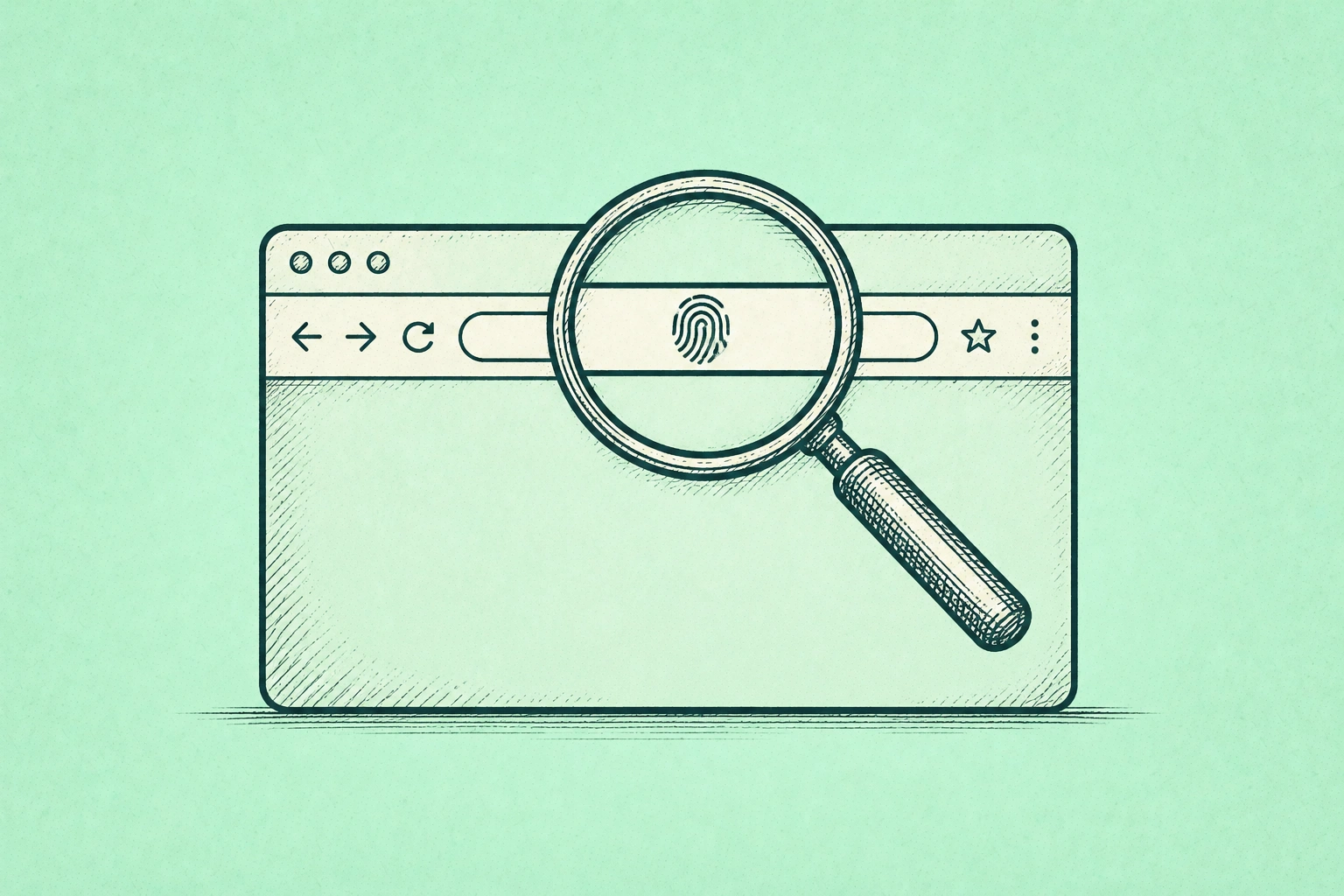
I’ve been doing something for the last several months that I’d recommend to anyone who thinks they have a reasonable handle on their online privacy: I visited coveryourtracks.eff.org and ran the test. The Electronic Frontier Foundation’s Cover Your Tracks tool analyzes the signals your browser sends to websites — the combination of your screen resolution, installed fonts, graphics rendering behavior, timezone, browser version, and dozens of other technical characteristics — and tells you how unique that combination is compared to everyone else who has run the same test.
The result, for most people using Chrome with default settings, is some version of: your browser has a unique fingerprint. Not “somewhat identifiable.” Unique. Meaning that even without cookies, even in a private browsing window, even after clearing your history, a website can identify your specific browser with a high degree of confidence simply from the technical characteristics it broadcasts by default.
I’m not going to tell you this is a four-alarm emergency that requires immediate drastic action. What I will tell you is that the mental model most people carry — “I clear my cookies, I use incognito mode when I need to, I’m probably fine” — is wrong in a specific and useful-to-understand way. And the gap between what people think their browser is doing and what it’s actually doing has significant implications for anyone who takes their financial privacy, professional privacy, or personal data seriously.
The Cookie Story You Thought Was Resolved
For several years, the data privacy conversation was dominated by a single narrative: Google was going to kill third-party cookies in Chrome, which would fundamentally change how websites track you across the internet, and this was a major privacy win on the horizon. That narrative gave a lot of people a false sense that the problem was being solved from above.
What Your Browser Reveals Without Any Cookies
Here’s what actually happened. Google announced in 2020 that it would phase out third-party cookies in Chrome by 2022. Then by 2023. Then by 2024. Then by 2025. In July 2024, Google abandoned the forced phase-out entirely, proposing instead a “user choice” model. In April 2025, Google abandoned even that, announcing it would not roll out any new standalone prompt for third-party cookies and would simply keep existing cookie controls in Chrome’s settings. And in October 2025, Google officially retired the Privacy Sandbox initiative — the six-year project that was supposed to be the privacy-preserving replacement for cookies — after low adoption and regulatory pressure.
The result: third-party cookies remain enabled by default in Chrome in 2026, exactly as they were in 2020. The tracking infrastructure that was supposed to be phased out is still fully operational. If you are using Chrome with default settings, you are being tracked across websites by third-party cookies, and the industry-level intervention you were promised to address that isn’t coming.
This matters for a practical reason beyond the general privacy concern: your browsing behavior — the financial sites you visit, the health topics you research, the job listings you look at, the products you consider buying — flows through your browser to advertisers, data brokers, and aggregators who build behavioral profiles used for targeting, pricing, and inference. The person who spends three weeks researching mortgage refinancing, visits a bankruptcy attorney’s website, and repeatedly searches for “consolidate credit card debt” is generating a profile that has real-world implications. Insurance pricing, credit card offers, and targeted financial products are all downstream of behavioral data collected at the browser layer.
What Fingerprinting Actually Is and Why It’s Harder to Block
Cookies are visible and deletable. Fingerprinting is neither.
Browser fingerprinting works by collecting a large set of technical characteristics that your browser exposes by default: your screen resolution, color depth, and pixel ratio; your operating system and browser version; the fonts installed on your system; how your browser renders a specific graphic (the “canvas fingerprint”); how it processes audio (the “audio context fingerprint”); your time zone and language settings; whether you have an ad blocker installed and which extensions are active; your GPU model and graphics driver.
None of these individually identifies you. Together, the combination is often unique. Research has found that fingerprinting alone — without cookies or any other traditional tracking mechanism — can identify users with up to 94% accuracy. When a website captures this fingerprint, it can recognize you across sessions even after you’ve cleared every cookie on your device, even in an incognito window, even after restarting your browser.
Join The Global Frame
Money, work, and tech — one read every Saturday that actually changes how you think.
The reason this is harder to address than cookies is that it doesn’t use any file or storage mechanism you can clear. It’s inference from technical characteristics that your browser broadcasts as part of normal web operation. Blocking it requires either making your browser look identical to millions of other browsers (the uniformity approach) or randomizing the signals you broadcast so you appear different each session (the randomization approach).
Who Buys That Data and What They Do With It
This is one of the central differences between Chrome and browsers built specifically for privacy. When you run the EFF’s Cover Your Tracks test on Chrome with default settings, you’ll typically see a unique fingerprint and weak protection against tracking. The same test on Brave — which randomizes canvas, WebGL, and audio fingerprints per session — generally returns a randomized fingerprint, meaning each session looks like a different device.
The Browser Landscape in Plain Terms
Chrome holds approximately 67% of global browser market share. It is built by Google, which is an advertising company. Google’s revenue is primarily generated by targeted advertising, which depends on behavioral data. Chrome’s default settings reflect that business model: third-party cookies enabled, high telemetry (data sent back to Google), and Privacy Sandbox features that critics have argued move tracking from the website layer to the browser layer itself.
None of this is a secret. Google states clearly in Chrome’s incognito window that activity may still be visible to websites, employers, and internet service providers. The architecture was designed for a company with advertising as its core business model.
The alternatives that actually address the tracking problem, in order of practical usability for most people:
Brave is built on the same Chromium engine as Chrome, which means it supports every Chrome extension and loads virtually every website correctly. The difference is what it strips out — Google’s tracking infrastructure — and what it adds: Brave Shields, which blocks ads, trackers, and cross-site cookies by default, and fingerprint randomization that changes canvas, WebGL, and audio signals each session. For someone who wants the Chrome experience without the Chrome tracking, this is the most practical switch. You install it, import your bookmarks, and your privacy posture improves substantially with no configuration required.
Firefox, backed by the non-profit Mozilla Foundation, uses a different engine entirely — the only major browser not built on Chromium. Its Multi-Account Containers feature is genuinely valuable: it lets you run your work identity, personal browsing, shopping, and social media in completely isolated containers, so that what you do in one can’t be cross-referenced with the others. Its Enhanced Tracking Protection in Strict mode blocks known trackers and third-party cookies. The privacy gains are real, but they require more intentional setup than Brave.
Safari on Apple devices is meaningfully better than Chrome for privacy. Intelligent Tracking Prevention has blocked all third-party cookies by default since 2020. Private Relay, available to iCloud+ subscribers, masks your IP address on Safari traffic. Apple’s business model is device sales, not advertising, which creates a genuine alignment between user privacy and company interests that Google’s model doesn’t provide. Safari’s limitations: it’s Apple-ecosystem only, and some advanced anti-fingerprinting protections lag behind Brave.
Incognito mode in any browser does not protect you from fingerprinting, does not hide your IP address, does not prevent your ISP from seeing what domains you visit, and does not prevent websites from seeing your activity. It prevents your local browser history from being saved. That’s the full extent of what it does. Running Chrome in incognito is still Chrome.
The Settings That Actually Reduce Exposure
The Settings That Actually Matter Right Now
If you’re not ready to switch browsers, Chrome has settings worth changing that improve your privacy without breaking anything:
In Chrome’s Privacy and Security settings, turn off “Make searches and browsing better” (which sends URLs you visit to Google) and “Help improve Chrome’s features and performance” (which sends usage data). Under “Privacy Sandbox,” review and restrict the interest categories being built about you from your browsing history. Under “Cookies and other site data,” consider enabling “Block third-party cookies” — Chrome now offers this as a setting even without a phased deprecation.
For any browser: enabling DNS over HTTPS (HTTPS for your domain name lookups) prevents your internet provider from seeing every domain you visit, even when the page content is encrypted. In Chrome it’s under Security settings. In Firefox it’s a simple toggle in Privacy settings. This single change stops your ISP’s passive traffic logging at almost no usability cost.
The extension that provides the most straightforward privacy improvement across browsers is uBlock Origin. It blocks ads and trackers using continuously updated lists, it’s free, open source, and maintained by a privacy-focused developer. For Chrome users who aren’t ready to switch browsers, installing uBlock Origin addresses a significant portion of third-party tracking at the cost of about thirty seconds of setup.
What the Browser Can’t Fix
There’s an honest caveat that most browser privacy guides skip, and it’s worth knowing: browser-layer privacy is one layer of a much larger tracking infrastructure.
Your browser controls what signals websites receive from your browser. It doesn’t control your IP address, which every website you visit sees regardless of your browser. It doesn’t control what your ISP logs about your connections. It doesn’t control the apps on your phone, which have access to location data, contact lists, and device identifiers that bypass the browser entirely. It doesn’t control data broker profiles built from public records, loyalty program data, and the dozens of other data streams that exist entirely outside the browser.
The post I wrote earlier on deleting yourself from the internet covers the data broker layer specifically. The financial privacy post covers what your bank, credit card company, and fintech apps do with your transaction data. Browser privacy is one meaningful piece of a larger picture, not the whole picture.
What it is: the layer where most people have the most direct control and the most immediate leverage. Switching from Chrome to Brave, or adding uBlock Origin, or running the EFF fingerprint test to see what your current setup actually exposes — these are five-minute decisions with material effects on how you’re tracked. The fact that they don’t solve everything is not a reason to skip them.
Start with the test. See what your browser is actually broadcasting. Then make one change.