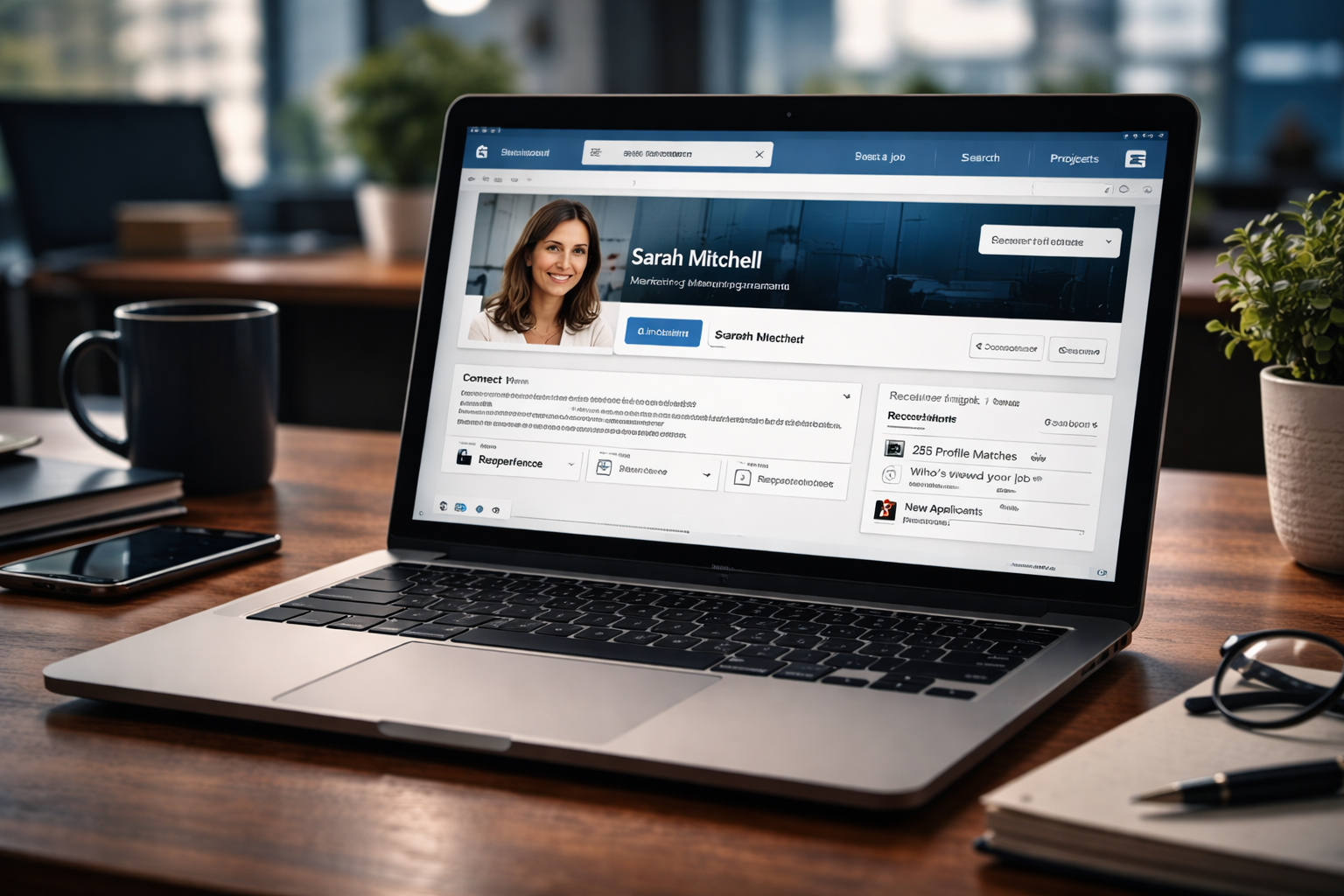
Most professionals think LinkedIn works like a public resume. It doesn’t. Recruiters use it as a filtering system — one designed to reduce risk, not discover potential.
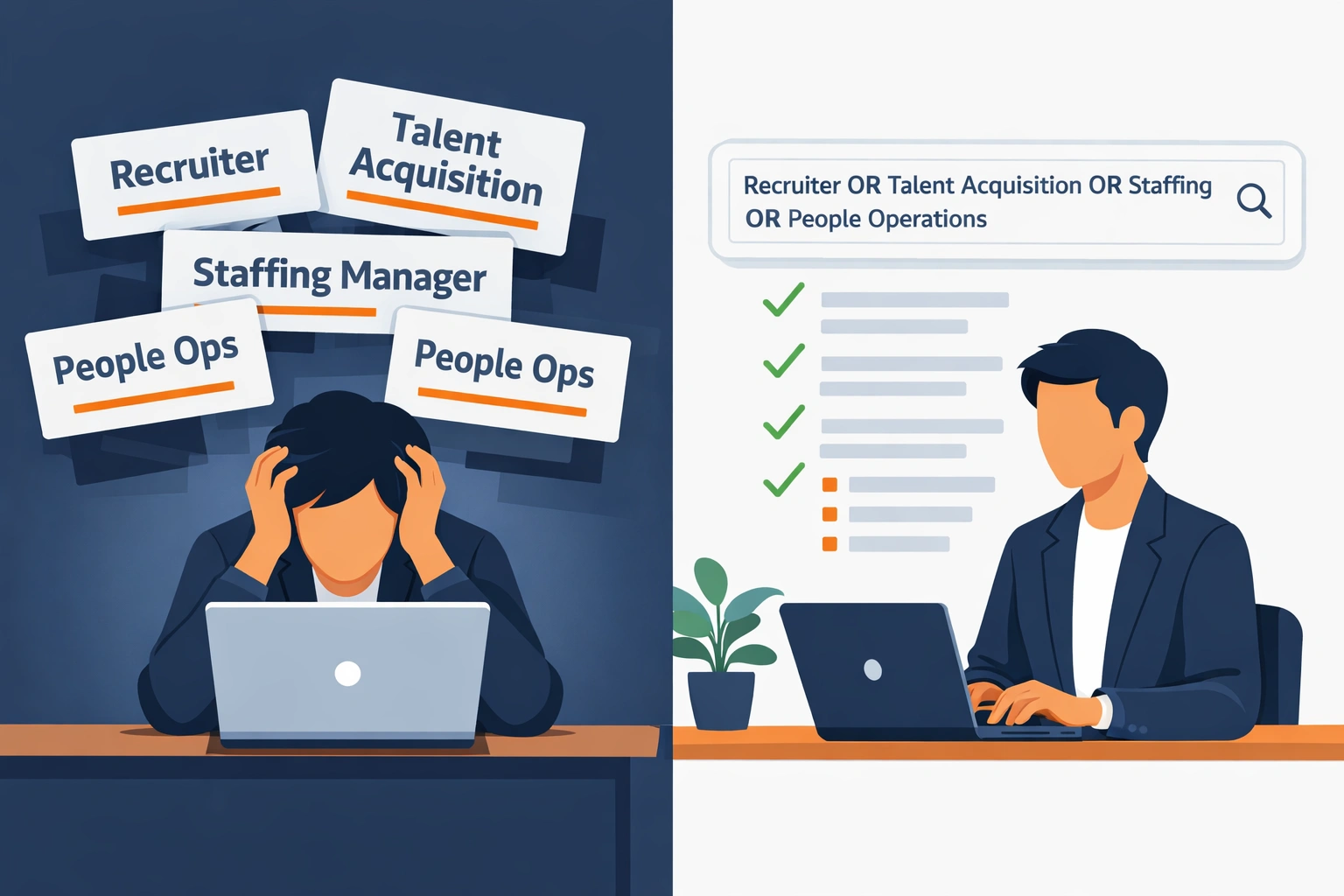
When a recruiter searches LinkedIn, they’re not browsing profiles casually. They’re running structured searches, skimming for specific signals, and discarding profiles that don’t match their mental checklist within seconds. If your profile doesn’t align with how those searches work, it doesn’t matter how strong your experience is — you simply won’t be seen.
This is why many qualified professionals never receive recruiter messages, while others seem to attract them effortlessly. The difference is rarely credentials. It’s alignment.
In this article, I’ll break down how recruiters actually use LinkedIn in 2026, what they scan for first, and how small structural changes to your profile can dramatically change visibility — without gimmicks, keyword stuffing, or personal branding theatrics.
Table of Contents
How Recruiters Actually Use LinkedIn (Not How You Think)
What you think recruiters do: Browse profiles, read every section carefully, reach out to impressive people.
What recruiters actually do:
- Open LinkedIn Recruiter (separate platform from normal LinkedIn)
- Enter boolean search: “software engineer” AND (Python OR Java) AND “machine learning” NOT “intern”
- Apply filters: Location (San Francisco), Years of experience (5-10), Current company type (exclude competitors)
- Review 100+ profiles in 30 minutes (spending 10-15 seconds per profile)
- InMail the top 10-20 who pass the “scan test”
Your profile has 10 seconds to convince me you’re worth messaging.
That’s it. Not 2 minutes. Not a careful read. Ten seconds.
If your headline doesn’t match my search, I don’t click. If your current role isn’t relevant, I skip you. If your profile is sparse or confusing, I move on.
Brutal? Yes. But that’s how recruiting works at scale when you’re hiring for 50+ open roles simultaneously.
Join The Global Frame
Money, work, and tech — one read every Saturday that actually changes how you think.
The LinkedIn Ranking Algorithm: What Makes You Appear First
LinkedIn Recruiter ranks profiles based on several factors. Here’s what matters most:
1. Search Keyword Match (40% of ranking)
How many keywords from the recruiter’s search appear in your:
- Headline
- Current job title
- Skills section
- Job descriptions
Example:
Recruiter searches: “product manager” AND “B2B SaaS” AND “go-to-market”
Profile A:
- Headline: “Product Manager | B2B SaaS | Go-to-Market Strategy”
- Result: Appears in top 10
Profile B:
- Headline: “Building products people love 🚀”
- Result: Doesn’t appear until page 5+
Profile A matches 100% of keywords. Profile B matches zero. Even if Profile B has better experience, Profile A gets the InMail.
2. Profile Completeness (20% of ranking)
LinkedIn scores profiles on completeness:
- Profile photo (5 points)
- Headline (10 points)
- Summary section (10 points)
- Current role with description (15 points)
- Education (10 points)
- Skills (at least 5 relevant skills: 10 points)
- Recommendations (5 points)
Profiles with 90%+ completeness rank higher in search results.
Missing photo? Missing summary? You’re getting buried.
3. Activity and Engagement (15% of ranking)
Recruiters can filter for “active in the last 30 days.” Profiles with recent activity (posts, comments, profile updates) signal you’re actually using LinkedIn and likely to respond to messages.
What counts as activity:
- Updating your headline or experience
- Posting content or commenting
- Adding new skills
- Getting endorsed or recommended
What doesn’t count:
- Just scrolling the feed
- Viewing profiles passively
4. Network Size and Connections (10% of ranking)
More connections equals more credible profile. LinkedIn weights:
- 500+ connections (optimal)
- Connections to employees at target companies
- Connections to other recruiters (signals you’re actively job searching)
5. Shared Connections (15% of ranking)
If you’re connected to people at my company or in my network, you rank higher. Recruiters trust referrals, even implicit ones through shared connections.
Headline Formula That Triggers InMails
Your headline is the single most important element. It’s visible in search results, at the top of your profile, and in every message you send.
Bad headlines (most people):
- “Software Engineer at [Company]”
- “Helping businesses grow 🚀”
- “Open to opportunities”
- “Passionate about technology”
These tell me nothing about what you do, what you’re good at, or why I should message you.
Good headline formula:
[Role] | [Specialty/Industry] | [Key Skills or Achievement]
Examples:
“Senior Product Manager | B2B SaaS | 0→1 Products, Go-to-Market Strategy”
“Full-Stack Engineer | FinTech | React, Node.js, AWS | Built payment systems handling $50M/year”
“Data Scientist | Healthcare AI | Python, ML, NLP | Published research in JAMA”
Why these work:
- Keyword-rich: Multiple searchable terms (Product Manager, B2B, SaaS, Go-to-Market)
- Specific: Not vague (“helping businesses grow”) but concrete achievements
- Scannable: I know in 3 seconds what you do and if you match my search
Character limit: 220 characters. Use them all.
Current Job Description: Why Most People Fail Here
Your current role description is the second thing recruiters scan (after headline). Most people write boring job descriptions:
Bad example:
“Responsible for developing software solutions. Work with cross-functional teams to deliver high-quality products. Collaborate with stakeholders to meet business objectives.”
Translation: This tells me absolutely nothing about what you actually do.
Good example:
“Leading iOS development for a consumer app with 50M+ monthly active users. Built the in-app navigation feature used by 80% of users, reducing GPS-related support tickets by 30%. Tech stack: Swift, SwiftUI, Combine, MVVM. Mentoring 3 junior engineers.”
Why this works:
- Quantified impact: 50M users, 80% adoption, 30% reduction
- Specific technologies: Swift, SwiftUI (exact keywords recruiters search)
- Scope: Leading development, not just contributing
- Leadership: Mentoring 3 engineers (signals seniority)
Every past role should follow this format:
- What you did (2-3 sentences)
- Impact with numbers (revenue, users, efficiency, growth)
- Technologies or methods (keywords!)
- Team size or scope (led X people, managed $X budget)
If you can’t quantify impact, you’re not trying hard enough. “Improved performance” becomes “Reduced API response time from 2s to 200ms, improving user retention by 12%.”
Skills Section: The Keyword Goldmine
The Skills section is where LinkedIn’s algorithm pulls keywords for search ranking. You can list up to 50 skills. Use all 50 slots.
How to pick skills:
- Go to 5-10 job postings for your target role
- Extract every skill mentioned (programming languages, tools, methodologies)
- Add all of them to your profile
For a product manager, this might include:
- Product Management
- Product Strategy
- Go-to-Market Strategy
- Roadmap Planning
- User Research
- A/B Testing
- SQL
- Jira
- Figma
- Agile
- Scrum
- OKRs
- Data Analysis
- Feature Prioritization
- Stakeholder Management
For a software engineer:
- Python
- JavaScript
- TypeScript
- React
- Node.js
- AWS
- Docker
- Kubernetes
- PostgreSQL
- Redis
- CI/CD
- Git
- REST APIs
- Microservices
- System Design
Pin your top 3 skills to make them prominent. These should be your core competencies.
Get endorsed: Ask colleagues to endorse your skills. Profiles with 10+ endorsements per skill rank higher.
Summary Section: Your 30-Second Pitch
The summary (About section) should be 3-5 short paragraphs max. Recruiters scan this in 10 seconds.
Structure:
Paragraph 1: What you do and your current focus Paragraph 2: Your superpower or unique value proposition Paragraph 3: Notable achievements (quantified) Paragraph 4: What you’re looking for (optional—use if actively job searching)
Example (Product Manager):
“I build B2B SaaS products from 0 to 1. Currently leading product for an enterprise logistics platform serving Fortune 500 clients.
My superpower is translating complex customer problems into simple, scalable solutions. I’ve launched 8 products in the last 4 years, 6 of which generated $1M+ ARR within the first year.
At my current company, I built an automated dispatch system that reduced delivery times by 22% and cut operational costs by $5M annually. Before that, I led growth for a Series B startup, taking the product from 500 to 50K users in 18 months.
Always happy to connect with fellow product folks or discuss opportunities in B2B SaaS, logistics, or supply chain tech.”
Why this works:
- Opens with role clarity: “I build B2B SaaS products”
- Quantified results: $1M ARR, 22% reduction, $5M savings
- Specific niche: B2B SaaS, logistics (keyword-rich)
- Open to opportunities: Signals actively networking
Avoid:
- Long paragraphs (recruiters won’t read them)
- Generic buzzwords (“passionate,” “innovative,” “results-driven”)
- Listing every job you’ve ever had (save that for Experience section)
The “Open to Work” Feature: Use It Strategically
LinkedIn has an “Open to Work” badge you can add to your profile photo. Should you use it?
When to use it:
- You’re unemployed and actively job searching
- You’re open to contract/freelance opportunities
- You’re in a safe job and don’t care if your employer knows you’re looking
When NOT to use it:
- You’re employed and don’t want your manager to know you’re looking
- You’re passively open but not urgently job searching
Better alternative:
Use the “Open to Work” settings without the profile badge:
- Settings → Job seeking preferences → Let recruiters know you’re open
- Select: Only share with recruiters (not visible to your network or employer)
This flags your profile in LinkedIn Recruiter as “open to opportunities” without broadcasting it publicly.
Over 70% of InMails go to profiles marked “open to work” in recruiter settings. It dramatically increases your visibility.
Profile Photo and Banner: First Impression Matters
Profile photo requirements:
Use:
- Professional headshot (not a selfie)
- Solid background (not a busy background)
- Smiling, approachable expression
- Dressed appropriately for your industry
- High resolution (400×400 minimum)
Avoid:
- Group photos
- Photos from 10 years ago
- Cropped vacation photos
- Blank photos (profiles without photos get 14x fewer views)
Banner image:
The banner (background photo) is prime real estate. Most people leave it as LinkedIn’s default blue gradient.
Better options:
- Your company logo or product screenshot
- A visual representation of your work (designer’s portfolio, engineer’s code)
- A professional photo of you presenting or working
- Custom banner with your headline text (use Canva to create this)
Profiles with custom banners appear more polished and credible.
Activity: Post 1-2 Times Per Week
Recruiters filter for “active in last 30 days.” Posting content or commenting regularly keeps you ranked higher.
What to post:
- Industry insights or trends
- Lessons learned from projects
- Thoughtful takes on recent news
- Helpful resources or tools
- Celebrating team wins
What to avoid:
- Political rants
- Overly personal content
- Constant self-promotion
- Engagement bait (“Agree or disagree?”)
You don’t need viral posts. You just need to show up consistently so recruiters see you’re active.
Commenting works too:
Engage with posts from people in your industry. Thoughtful comments count as activity and expand your visibility.
The Ghost Job Problem and LinkedIn
If you’re applying to jobs and hearing nothing, it’s likely ghost jobs—fake listings companies never fill.
LinkedIn-specific ghost job indicators:
- Job posted 90+ days ago and still open
- “Easy Apply” with no recruiter name attached
- Vague job description with no specific requirements
- Same job reposted every few weeks
Bypass ghost jobs:
Instead of applying through LinkedIn Easy Apply (black hole):
- Find the hiring manager or recruiter directly
- Send a personalized connection request
- Reference the role in your message
- Follow up after connecting
Direct outreach has a 10-20x higher response rate than Easy Apply. Recruiters ignore the Easy Apply queue but usually respond to direct messages.
Recommendations: Social Proof That Works
Ask for recommendations from:
- Former managers
- Colleagues you worked closely with
- Clients (if applicable)
What makes a strong recommendation:
- Specific achievements: “Led the project that generated $2M in revenue”
- Skills highlighted: “Expert in React and system design”
- Character endorsement: “Reliable, communicates clearly, mentors junior engineers”
Avoid:
- Generic “great to work with” recommendations
- Recommendations from people who didn’t directly work with you
- Reciprocal recommendations that feel transactional
Target: 3-5 strong recommendations. More than 10 looks padded.
Common Mistakes That Kill Your Visibility
Mistake 1: Using a Vanity URL with Weird Characters
Your LinkedIn URL should be: linkedin.com/in/yourname
Not: linkedin.com/in/yourname-b4728a9
Fix: Settings → Edit Public Profile → Customize your URL
Mistake 2: Listing Every Job From High School
Recruiters don’t care about your summer internship from 2008. List only:
- Last 10 years of relevant experience
- Major career milestones
- Roles that showcase progression
Mistake 3: No Keywords in Job Titles
If your official title was “Individual Contributor III,” change it to “Senior Software Engineer (IC3)” on LinkedIn.
You’re allowed to clarify vague titles. Just don’t lie about the role itself.
Mistake 4: Ignoring InMails
Even if you’re not interested, always respond to recruiter InMails. LinkedIn tracks response rates. Profiles with high response rates get prioritized in future searches.
Quick response: “Thanks for reaching out! Not looking right now, but happy to stay connected.”
This takes 30 seconds and keeps your profile visible to other recruiters.
The ATS vs. LinkedIn Paradox
Your ATS-optimized resume and LinkedIn profile should have different strategies:
ATS Resume:
- Focuses on exact keyword matches for job postings
- Formatted for parsing (no tables, images, or complex layouts)
- Tailored to each specific role
LinkedIn Profile:
- Optimized for recruiter search across many roles
- Broad keyword coverage (50 skills vs 10-15 on resume)
- Shows personality and thought leadership
Don’t just copy-paste your resume to LinkedIn. They serve different purposes.
The Unfireable LinkedIn Strategy
If you want to become truly unfireable, your LinkedIn profile should position you as the expert recruiters seek out, not someone desperately applying to jobs.
This means:
- Optimize for inbound (recruiters come to you)
- Build thought leadership (post valuable content)
- Grow your network (connect with people at target companies)
- Stay active (engage weekly, even when you’re not job searching)
When layoffs happen, unfireable employees have recruiters messaging them within 24 hours. Their phones don’t stop ringing because their LinkedIn profiles are discoverable, credible, and optimized.
That’s the position you want to be in.
This article is part of a broader set of writing on career strategy, hiring systems, and how work actually functions in modern organizations.
The Bottom Line
Your LinkedIn profile isn’t a resume. It’s a search engine optimization game.
Most people treat it like an online resume—static, boring, keyword-light. Then they wonder why recruiters never message them.
Recruiters use filters, boolean searches, and ranking algorithms. If your profile doesn’t match those signals, you’re invisible.
The three changes that matter most:
- Keyword-rich headline (role + specialty + skills)
- Complete profile (90%+ completeness score)
- Mark yourself open to work (in recruiter settings, not publicly)
Make these changes today. You’ll start seeing InMails within 1-2 weeks.
I’ve sent thousands of InMails. The profiles I message first are the ones optimized exactly as described above.
Be that profile.