A text message shows up on your phone: 6-digit code, expires in 5 minutes. You enter it and you’re in. That’s two-factor authentication working exactly as designed. The question is whether “working as designed” means what you think it means.
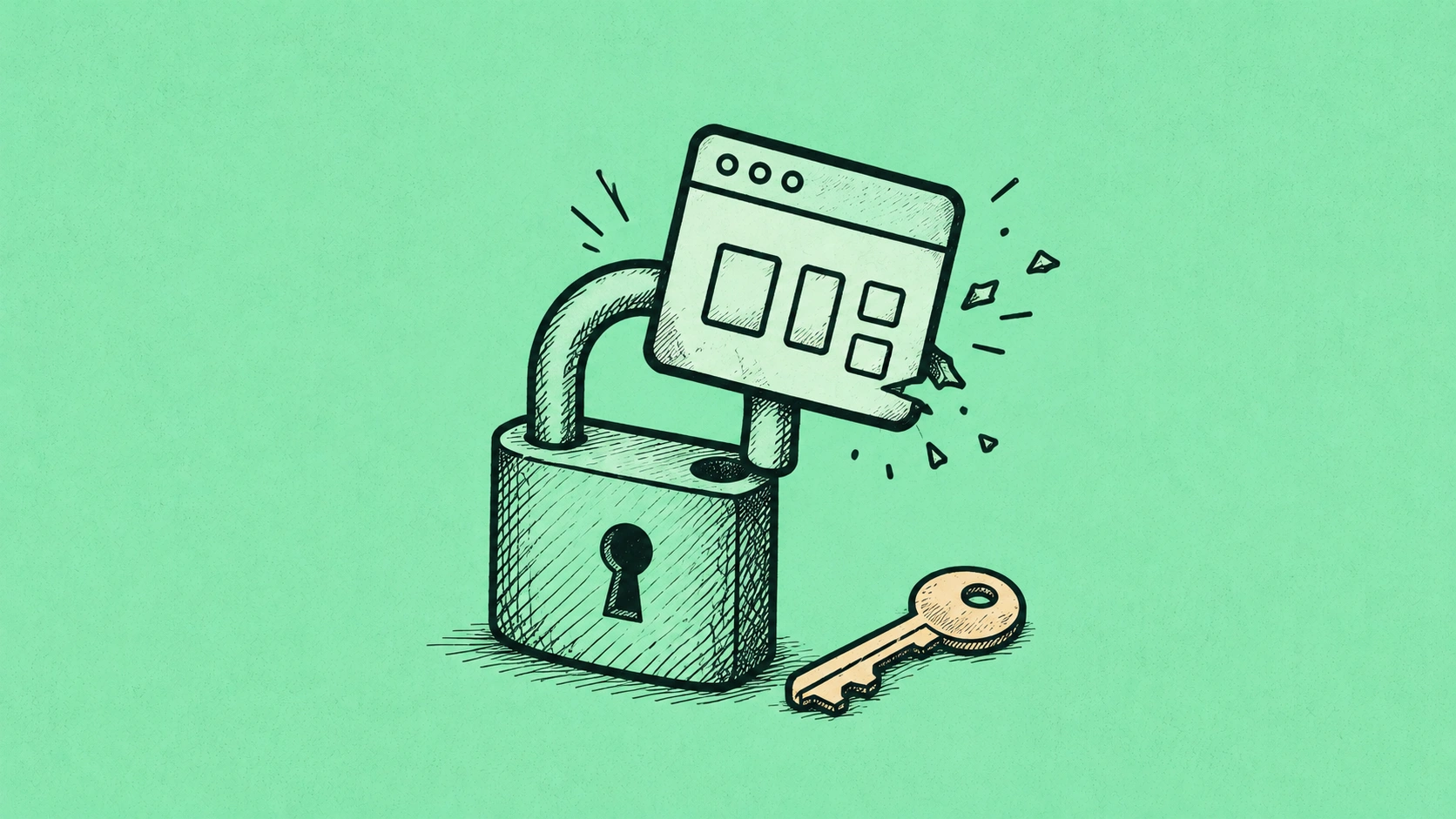
SMS-based two-factor authentication — the version that texts you a code — has a specific, documented vulnerability that the security community has understood for years but that almost never makes it into the mainstream conversations about account security. The attack is called SIM swapping, and it doesn’t require any technical sophistication to execute. It requires a phone call to your carrier.
Here’s the basic version: an attacker calls your mobile carrier’s customer service line, impersonates you using personal information gathered from data breaches or social media (your name, last four of your Social Security number, your billing address), and requests that your phone number be transferred to a SIM card they control. Once that transfer is complete — which takes minutes if the customer service representative is sufficiently convinced — every text message sent to your number goes to them. Including your two-factor authentication codes. Your password protection is now the only thing standing between the attacker and your accounts, and passwords are the weakest link in most people’s security setup.
This isn’t theoretical. High-profile SIM swap attacks have targeted cryptocurrency holders, executives, journalists, and politicians. The FTC has issued guidance on it. Carriers have implemented additional safeguards — port freeze options, PIN requirements for account changes — but those safeguards are only as strong as the customer service representative who processes the next call.
The Actual Hierarchy of Two-Factor Authentication
Not all second factors are equally secure. From weakest to strongest:
SMS codes are the most common and the most vulnerable. Subject to SIM swapping, SS7 network attacks (a telecom-level vulnerability), and basic SIM cloning. Better than no 2FA. Not as secure as people assume.
Email codes are slightly different but not meaningfully more secure — they depend on your email account being secure, which itself depends on its own authentication method. If your email also uses SMS 2FA, you’ve created a circular dependency.
Authenticator apps (Google Authenticator, Authy, Microsoft Authenticator) generate time-based codes locally on your device, not sent over a network. A SIM swap doesn’t affect them. These are significantly more secure than SMS and are the minimum recommended standard for any account you care about protecting — financial accounts, email, social media used professionally.
Passkeys are the newer standard, built into iOS 16+, Android 9+, and most modern browsers. They use cryptographic keys stored on your device and verified biometrically (Face ID, fingerprint). There’s no code to intercept, no code to phish, and no SMS to redirect. Passkeys are the same technology covered in the biometrics security post here — they represent a meaningful step forward in authentication security.
Hardware security keys (YubiKey, Google Titan) are physical devices that plug into a USB port or tap against your phone via NFC. These are the highest security option currently available to consumers and are used by many security-conscious organizations as a requirement for high-privilege account access.
Join The Global Frame
Money, work, and tech — one read every Saturday that actually changes how you think.
What to Actually Change Right Now
A few practical moves that take less than 30 minutes combined:
For your most sensitive accounts — your primary email, your brokerage and bank accounts, your password manager — check what 2FA method you’re currently using and switch to an authenticator app if SMS is the current option. Google, Apple, Microsoft, and most major banks now support authenticator apps. The switch is usually under Settings → Security → Two-Factor Authentication.
Call your mobile carrier and ask about a SIM lock, port freeze, or account PIN requirement that prevents number transfers without additional verification. Verizon, AT&T, and T-Mobile all offer some version of this. The names differ but the concept is the same: an additional layer of protection before anyone can move your number. This doesn’t eliminate SIM swap risk — a sufficiently persistent attacker can still socially engineer their way around it — but it raises the bar significantly.
Download an authenticator app (Authy has the advantage of cloud backup, which matters if you lose your phone; Google Authenticator until recently didn’t). Enable it on your most critical accounts first, then expand from there.
The upgrade from SMS to authenticator app is one of the higher-return security changes most people can make in an hour. It doesn’t require technical knowledge. It just requires knowing that “I have 2FA enabled” and “I have good 2FA enabled” are different things. The same threat model applies to your broader digital privacy posture — and what data brokers have already compiled about you represents a distinct exposure that stronger authentication alone can’t resolve.