I’ve been tracking the workplace-monitoring industry for a couple of years now, and the thing that strikes me isn’t how invasive the tools have become. It’s how normal they’ve become. The software that watches employees used to be the exception, reserved for call centers and warehouses. Now it ships quietly inside the same platforms most office workers already use, and a large share of people being monitored have no idea it’s running.
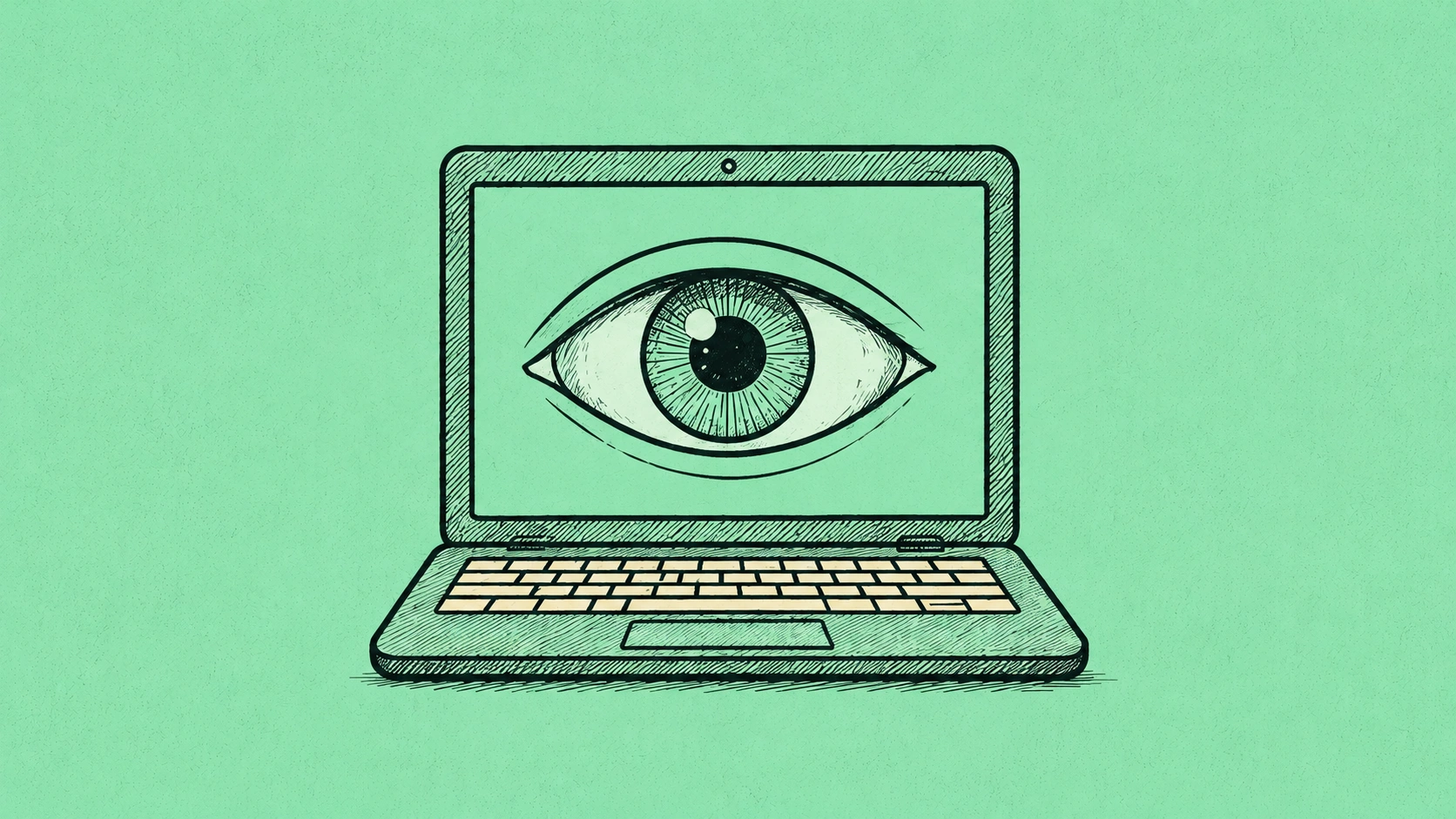
If you work for a US company, especially remotely, there’s a real chance some form of employee monitoring software is watching how you work. Not necessarily reading your private messages — though sometimes that too — but logging activity, measuring “productivity,” and building a record. Here’s what these tools actually do, what’s legal, and how to think about it without either panicking or pretending it isn’t happening.
What Employee Monitoring Software Actually Tracks
The category is broad, and what your employer runs depends on the company. At the mild end, monitoring tools log which applications you have open and for how long, track active versus idle time, and count keystrokes or mouse movement as a proxy for “engagement.” This is the stuff baked into many remote-work and time-tracking platforms.
The middle tier adds screenshots taken at intervals, website-history logging, and productivity scores that rank employees against each other. Some tools flag “unproductive” apps and generate reports a manager sees every morning.
At the aggressive end sit tools that capture every keystroke, record the screen continuously, activate webcams for “attention” checks, read the content of messages and emails sent on company systems, and use AI to score tone and sentiment. This tier is more common in finance, healthcare, and any regulated industry, but it’s spreading.
The common thread is that monitoring increasingly happens through the same accounts you use all day. The mechanism that makes large surveillance systems powerful — taking scattered signals and unifying them into a single searchable picture of behavior — is the same logic these tools apply to a workforce. Patterns become a profile.
Is It Legal? Mostly Yes, With Limits
This is the part that surprises people. In the US, employers have broad legal authority to monitor activity on company-owned equipment and networks. The general rule: if it’s the company’s laptop, the company’s network, or the company’s account, they can usually monitor it, and in most states they don’t have to tell you.
There are limits, and they matter. The federal Electronic Communications Privacy Act restricts intercepting genuinely private communications, though the “business use” and “consent” exceptions are wide. A handful of states — Connecticut, Delaware, New York, and others — require employers to notify employees that monitoring is happening. Several states restrict recording audio without consent. And federal labor law draws a line that’s easy to miss: under the National Labor Relations Act, employers can’t use monitoring to surveil or suppress employees discussing wages, conditions, or organizing — protected activity regardless of company policy.
The practical takeaway: assume anything you do on company equipment or accounts is visible to your employer, treat the notification laws as a thin and inconsistent protection, and know that your right to discuss pay and working conditions with coworkers survives any monitoring policy. The Department of Labor and your state labor agency are the authorities on the specifics where you live.
How to Find Out If You’re Being Monitored
You usually can’t be certain without asking, but there are signals. Check whether your employer’s handbook or onboarding paperwork includes an “acceptable use” or “monitoring” policy — many companies disclose it there precisely to satisfy the consent exception, and almost nobody reads it. On a company device, monitoring agents sometimes appear in installed programs, system tray icons, or running processes, though plenty are designed to be invisible.
Join The Global Frame
Money, work, and tech — one read every Saturday that actually changes how you think.
The cleaner approach is to simply ask HR or IT directly: “Does the company use monitoring or productivity software, and what does it track?” It’s a reasonable question, and the answer — including a refusal to answer — tells you what you need to know. Just remember that HR’s job in that conversation is to protect the company, a dynamic worth understanding before you walk in, which I cover in the piece on what HR actually does for employees.
The Move That Actually Protects You: Separation
The single most effective thing you can do isn’t technical. It’s keeping a hard wall between your work life and your personal life on the device level.
Never put personal accounts, personal email, banking, health portals, or private messaging on a company device or through a company network. Not because you’re hiding anything, but because the moment your personal data touches company infrastructure, it can become visible — and it stays visible after you leave, when you no longer control the account. Use your own phone on cellular data for anything personal. Do your job-searching, your medical appointments, and your venting from your own hardware. This is the same discipline that protects you when employment ends badly, and it’s the quiet throughline in handling a layoff well.
If you’re issued a company phone, assume it’s monitored too, and carry your own for personal use. The minor inconvenience of two devices is nothing compared to the cost of your private life living on a system your employer controls.
The Productivity-Score Trap
There’s a subtler risk than privacy, and it’s the one that affects your money: being managed by a metric that doesn’t measure your actual value. Activity-based monitoring rewards looking busy — keystrokes, mouse movement, hours with the right app open. It systematically undervalues the work that doesn’t generate activity logs: thinking, planning, mentoring, the thirty-minute conversation that prevents a three-week mistake.
If you’re in a monitored environment, understand what the system measures and make sure your genuinely valuable work is also legible to it. That’s not gaming the system — it’s making sure the record reflects reality, because that record increasingly feeds performance reviews and layoff decisions. The deeper protection is being someone whose contribution is obvious regardless of the dashboard, which is the entire argument for making yourself hard to replace. A productivity score can’t easily flag the person everyone depends on.
Where This Is Heading
Monitoring is getting more capable and more ambient, and the regulatory response is years behind. The reasonable posture isn’t paranoia — most monitoring is mundane and aimed at aggregate productivity, not at you personally. It’s awareness. Know that the tools exist, assume company infrastructure is visible, keep your personal life on your own devices, and make sure your real value shows up in whatever the company measures. The workers who get hurt by workplace surveillance are usually the ones who didn’t know it was there. The ones who are fine are the ones who assumed it was and acted accordingly.