Note on 1099-K reporting (July 2026): The 1099-K reporting threshold for third-party payment platforms has been modified by the OBBBA. The situation remains complex and has continued to evolve. If this post references specific threshold amounts, verify the current 2026 reporting requirements directly at IRS.gov before making any reporting decisions. The W-2 employee deduction guidance in this post (home office, remote work expenses) is not affected by 1099-K changes and remains accurate.
The confusion around remote work deductions runs in both directions — people miss real ones and claim ones they don’t qualify for.
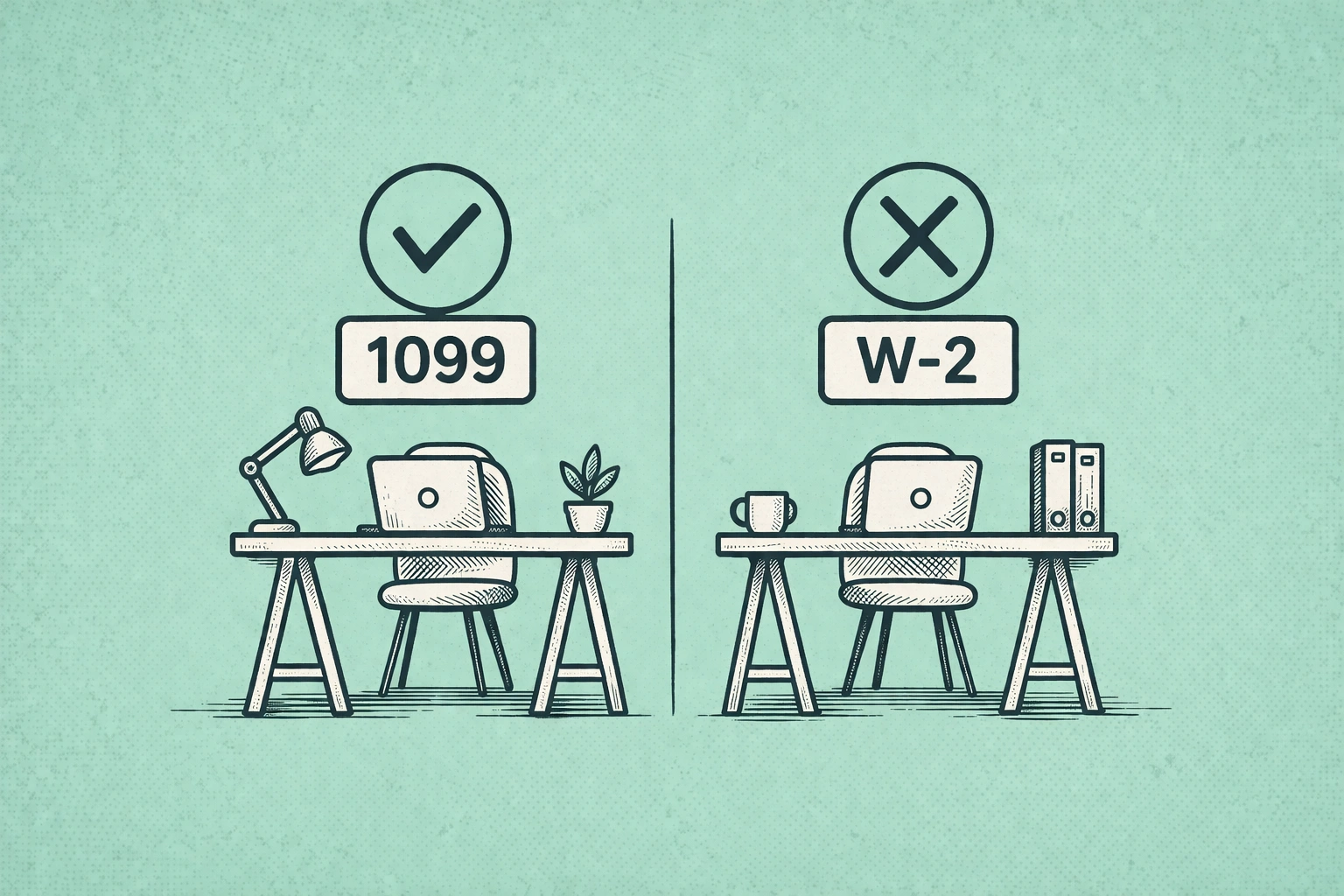
If you receive a W-2, you almost certainly cannot deduct any remote work expenses on your federal return in 2026. Not your home office. Not your internet. Not your desk or your monitor. Not your software subscriptions. Nothing. The Tax Cuts and Jobs Act of 2017 eliminated the unreimbursed employee expense deduction, and it remained in effect through the OBBBA extension. W-2 remote workers are specifically excluded from the deductions that most “work from home tax tips” content describes.
If you receive a 1099, you can deduct essentially all of it. Home office, internet, phone, equipment, furniture, software, professional development. The full slate of business expenses is available to independent contractors and self-employed people filing Schedule C.
The reason this matters: a 1099 contractor earning $100,000 annually with a dedicated home office and standard equipment expenses might be looking at $5,000 to $8,000 in legitimate deductions — translating to $1,500 to $2,400 in actual tax savings at a 30% effective rate. A W-2 employee in the same physical setup, doing the same work, with the same expenses, gets zero.
That’s the whole story at high altitude. The rest of this is the detail that determines how much you actually save if you’re in the 1099 category.
What W-2 Employees Can Actually Do
The federal deduction door is closed for W-2 employees, but there are three real options worth knowing about.
The most direct is negotiating reimbursement from your employer. Companies can reimburse remote work expenses — internet, a phone stipend, equipment, coworking memberships — on a tax-free basis to you and as a deductible business expense for them. It’s a genuine win-win that many employers will agree to if asked directly, particularly for internet and a one-time equipment allowance. Most remote workers never ask because they assume the answer is no.
Several states have gone further than the federal standard. California requires employers to reimburse “all necessary expenditures” for remote work as a matter of labor law. Illinois has similar requirements for expenses incurred for the employer’s convenience. New York and a handful of other states have varying reimbursement obligations. If you’re in a state with reimbursement requirements and your employer isn’t complying, that’s a labor law issue, not a tax issue — but it’s worth knowing the distinction.
The third path is starting a legitimate side business. If you’re a W-2 software engineer who also does freelance consulting ten hours a week, you file a Schedule C for the consulting income. Your home office, to the extent it’s used for the consulting business, becomes deductible under that Schedule C. The key word is legitimate — the side business needs real profit motive and actual revenue. A fabricated Schedule C business created solely to generate deductions is exactly what the IRS audits for.
Join The Global Frame
Money, work, and tech — one read every Saturday that actually changes how you think.
The Home Office Deduction: Which Method Actually Saves More
If you’re a 1099 contractor or self-employed and your home office qualifies, you have two calculation options that produce meaningfully different results.
The simplified method is exactly what it sounds like: $5 per square foot of dedicated office space, capped at 300 square feet. A 150-square-foot office produces a $750 deduction. A 300-square-foot office produces $1,500. No receipts required, no depreciation tracking, no complexity. If you’re a renter with a small dedicated space and your home expenses are modest, this might be adequate.
The actual expense method requires more work but usually produces a substantially larger deduction. You calculate the percentage of your home that the office represents — office square footage divided by total home square footage — and then apply that percentage to all qualifying home expenses: rent or mortgage interest, property taxes, utilities, internet, home insurance, repairs and maintenance, and depreciation if you own.
The math on why this matters: a contractor whose home office represents 10% of their home’s square footage, in a home with $26,000 in annual housing costs, deducts $2,676. Compare that to $750 or $1,500 under the simplified method. For most 1099 contractors earning above $75,000, the actual expense method saves $1,000 to $2,000 more annually. The additional complexity — keeping receipts, measuring actual square footage, potentially managing depreciation — is usually worth it at that income level.
The qualifying rule for either method: the space must be used exclusively and regularly for business. Exclusively means only for business — a dining room table where your family also eats doesn’t qualify. Regularly means consistently — occasional work-from-home days don’t qualify, but three or more days per week does. The IRS does audit home office deductions. If you claim one, photograph the space and keep records of your hours worked there.
Internet, Phone, and Equipment
Internet and phone expenses are deductible for 1099 contractors at the percentage attributable to business use. The IRS doesn’t mandate a specific calculation method, which gives some flexibility — but the key is that you need a defensible basis for whatever percentage you claim.
A contractor working full-time from home on client projects can reasonably claim 50-70% of their internet costs as business use without much audit risk. Claiming 100% requires genuinely being able to document that you almost never use your connection for personal activities, which is implausible for most people. Claiming 30-40% is conservative and rarely challenged. The actual number should reflect your actual situation, not an optimized guess.
Phone follows the same logic. A dedicated business line is 100% deductible. A personal phone used for business calls is deductible at a reasonable business use percentage — 30-50% is defensible for most situations, and a log of business calls strengthens the position if you ever need to support it.
Equipment and furniture purchased for business use are deductible in the year of purchase under Section 179. In 2026, the Section 179 expensing limit is $1,220,000 — far above what any individual contractor would spend on a home office setup. A MacBook, an ergonomic chair, a standing desk, external monitors, a webcam and microphone for client calls: all fully deductible in the tax year they’re purchased. At a 30% effective rate, $5,000 in equipment is $1,500 back.
Software subscriptions follow the same rule: ordinary and necessary business expenses are deductible. Design tools, development environments, project management subscriptions, AI tools used for client work, cloud storage for business files. The distinction is business versus personal — Netflix and Spotify don’t qualify; Adobe Creative Cloud for a designer’s client work does. For subscriptions that cross both categories, deduct the business-use percentage.
The State Layer
Federal deduction rules apply uniformly, but state tax treatment varies. Several states conform closely to federal rules; a few have meaningfully different standards.
California is the most significant outlier for W-2 employees — state labor law requires employer reimbursement of necessary remote work expenses, which is separate from the tax deduction question but produces a similar financial outcome if enforced. For 1099 contractors, California’s income tax rates are high enough that state deductions matter more than in most states, and California generally follows federal Schedule C treatment.
If you’re in a high-tax state considering relocation, the remote work tax picture is one input in a broader calculation — state income tax rates, property tax, and cost of living all interact with the federal deduction landscape in ways that vary significantly by state.
The 1099-K threshold change that took effect in 2026 — back to $20,000 and 200 transactions — doesn’t change what’s deductible, but it does mean payment processors won’t automatically report income below that threshold. Your obligation to report all income and document all deductions is independent of what forms you receive.
The Freelancing Tax Equation
The deduction advantages for 1099 contractors come with a real counterweight: self-employment tax. W-2 employees have Social Security and Medicare taxes — 7.65% each side, 15.3% combined — split with their employer. Self-employed people pay the full 15.3% themselves, though they can deduct half of it as an adjustment to income.
When you add self-employment tax, the absence of employer-provided benefits like health insurance and retirement contributions, and the administrative overhead of tracking business expenses and filing quarterly estimated taxes, the actual financial advantage of 1099 status versus W-2 requires careful calculation. The deductions are real and substantial. They don’t automatically make 1099 status financially superior — they’re one variable in a more complex equation.
If you’re weighing the freelancing transition seriously, the tax side of the ledger includes both the deductions you gain and the self-employment tax you absorb. The solo 401(k) and HSA are both significantly more accessible to self-employed people than W-2 employees, which adds meaningful tax-advantaged savings capacity that partially offsets the self-employment tax burden. But the full calculation requires running actual numbers for your specific situation.
Record-Keeping in Practice
The IRS can audit returns up to three years back, or six years if it suspects significant underreporting. For any deduction you claim, you need documentation that can survive that window.
For the home office: photographs of the dedicated space, the lease or mortgage statement, utility bills, a floor plan or measurement showing the square footage calculation. For equipment: purchase receipts and a record of business use. For internet and phone: monthly bills and a reasonable basis for the business use percentage you claimed.
A dedicated business checking account for contractor income and expenses makes this dramatically simpler — the business deductions flow through one account rather than requiring you to identify them within a personal account’s transaction history. Many contractor-focused fintech accounts now include automatic expense categorization and Schedule C-ready reporting, which reduces the February scramble significantly.
The audit risk on remote work deductions is real but manageable. The simplified home office method, conservative internet and phone percentages, and equipment with clear business purpose rarely trigger scrutiny. Large home office deductions in high-value homes, 100% business use claimed on clearly shared assets, and aggressive meal and entertainment deductions are the areas that attract attention. Stay within defensible parameters. Keep clean records. That covers most situations — and avoids the ones that don’t.