The pitch for passkeys is compelling on its face. No more remembering passwords. No more phishing. Cryptographically unbreakable by design. Apple, Google, and Microsoft have been rolling them out across their ecosystems since 2022, and every major bank and enterprise platform is following. The FIDO Alliance — the industry consortium behind the standard — describes it as the end of the password era.
What the marketing doesn’t say: passkeys don’t eliminate your authentication data. They relocate it. Instead of a password in a database, you now have a biometric template — a mathematical representation of your face, your fingerprint, or your voice — either on your device or synced to a cloud account.
And there’s a distinction between those two things that matters enormously and almost never appears in the consumer-facing explanation of how passkeys work.
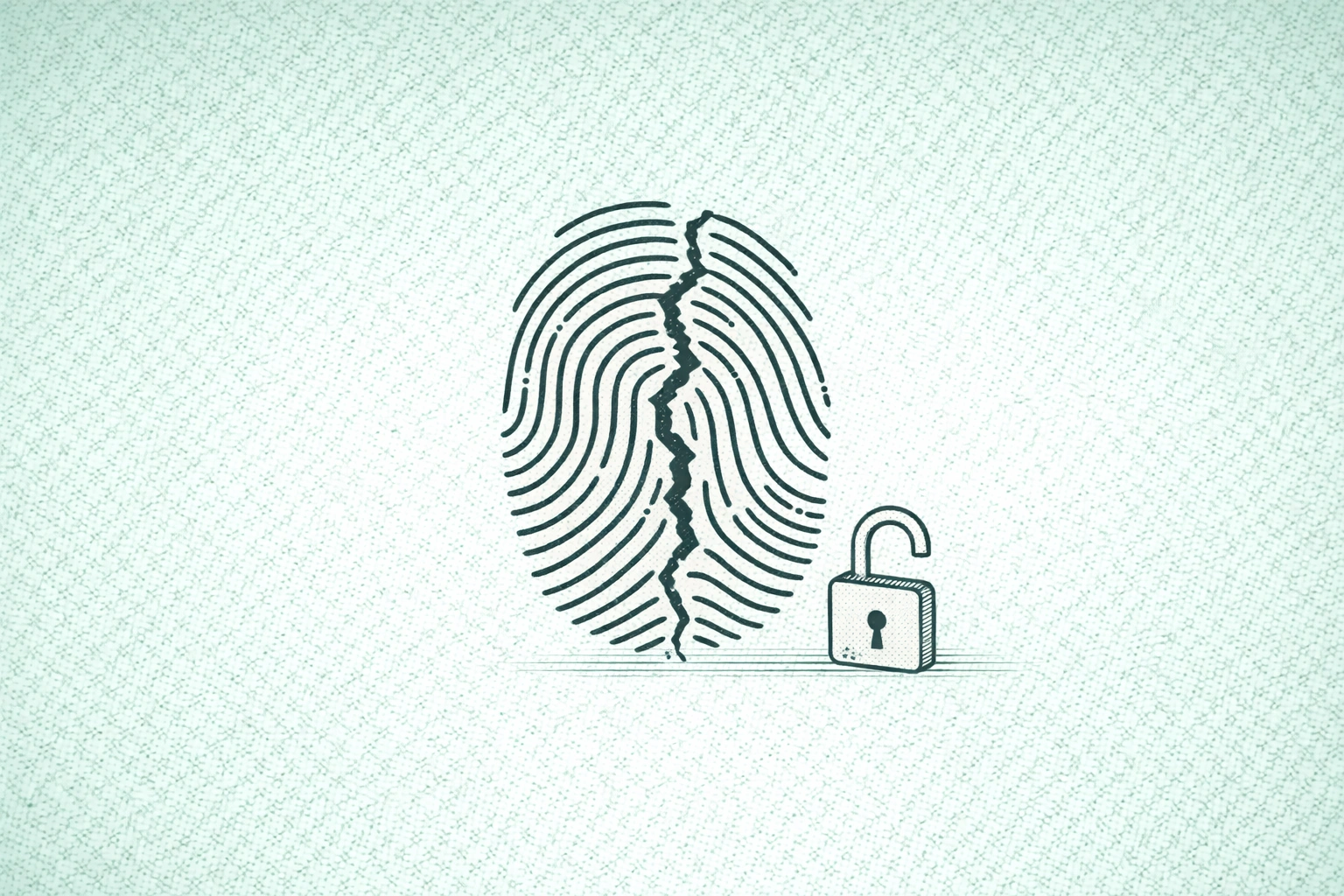
A compromised password is a problem you fix by changing your password. A compromised biometric template is a problem you can’t fix at all. You cannot get a new fingerprint. You cannot get a new face. Once that data is out, it’s out permanently, and every system that relies on it is permanently exposed.
The question isn’t whether passkeys are better than passwords at preventing phishing. They are. The question is whether the trade-off you’re accepting — from a credential you can change to a credential you can’t — is the one being presented to you clearly.
How the Architecture Actually Works
The underlying cryptography in passkeys is sound, and it’s worth understanding because the problem isn’t the crypto.
When you create a passkey, your device generates a public-private key pair. The private key stays in a secure enclave on your device — a hardware-isolated chip that’s difficult to extract from. The public key goes to the server. When you authenticate, your device uses the private key to sign a challenge from the server, which verifies it with the public key. There’s nothing transmitted that an interceptor could use. It’s not phishable in the traditional sense.
To access that private key, you unlock your secure enclave with a biometric gesture — Face ID, Touch ID, Windows Hello. Your device stores a template of your biometric that it compares against the live input. In theory, that template never leaves the device.
The weak points are the “in theory” and the “your device.”
In 2019, researchers discovered a publicly accessible database containing fingerprints of over a million people, along with facial recognition data, belonging to a company serving the UK Metropolitan Police, defense contractors, and banks. The templates that were supposed to stay on devices had been centrally stored.
Join The Global Frame
Money, work, and tech — one read every Saturday that actually changes how you think.
In 2025, researchers demonstrated they could tamper with biometric templates stored on Windows devices with local administrator access, substituting their own fingerprint for the legitimate user’s. The secure enclave assumption depends on implementation quality — and implementations vary.
The Synced Passkey Problem
There are two fundamentally different types of passkeys, and the distinction matters more than almost any coverage of them acknowledges.
Device-bound passkeys live on one physical device — a hardware security key like a YubiKey, or a phone’s secure enclave with no cloud backup. If that device is compromised, only that passkey is at risk. The attack surface is a physical object.
Synced passkeys live in your cloud account — iCloud Keychain, Google Password Manager, Microsoft Account — and replicate automatically across all your devices. This is what Apple, Google, and Microsoft push hardest because it solves the usability problem: create a passkey on your phone, it automatically works on your laptop, your tablet, everything.
The security trade-off is that synced passkeys create a single point of failure that is specifically your cloud account. If someone compromises your Apple ID or Google account, they inherit every passkey you’ve ever created. And because those passkeys are unlocked with biometrics, a motivated attacker now has a reason to obtain your biometric data.
The attack chain: phish or purchase your Apple ID credentials — these are available on dark web markets for trivially small amounts — then use a deepfake of your face, generated from your publicly available social media, to unlock iCloud Keychain. You now have access to every account the victim ever secured with a passkey.
The weakest link in this chain isn’t the passkey cryptography, which is genuinely strong. It’s the biometric unlock and the cloud sync — both of which are design choices made in favor of convenience.
Liveness Detection Is an Arms Race, and Attackers Are Ahead
The industry’s answer to spoofing biometrics is liveness detection — systems that verify you’re a real person present in real time, not a photo or a recording. The technology exists on a spectrum from rudimentary to sophisticated, and most deployed systems sit closer to the rudimentary end.
Two-dimensional facial recognition, used in many budget smartphones and facility access systems, can be defeated with a photograph. Researchers demonstrated bypassing Fengchao delivery lockers in China using a printed A4 sheet of the target’s face. That’s not a sophisticated attack.
Three-dimensional facial recognition — the kind Apple uses in Face ID, projecting 30,000 infrared dots to map facial geometry — is meaningfully harder to spoof but not impossible. Researchers have demonstrated bypasses using high-quality silicone masks. AI-generated deepfake videos have been used to fool systems with weaker liveness detection.
Fingerprint scanners have been bypassed using silicone molds, gelatin impressions, and lifted latent prints transferred to conductive materials. In 2021, vulnerabilities in fingerprint drivers from a major manufacturer were found to allow biometric template exfiltration.
Voice recognition is the most straightforwardly vulnerable. AI voice cloning tools can produce convincing replicas from ten seconds of audio. If you’ve posted any video online where you speak, your voice template is publicly available to anyone who wants it. I’ve written about what this means for phone-based scams — the same vulnerability applies to voice-authenticated banking systems.
The fundamental tension in liveness detection: make the threshold too strict and legitimate users get locked out at unacceptable rates. Make it too lenient and the spoofing attacks work. Most deployed systems resolve this tension by erring toward usability.
The Permanence Problem
When a company’s password database leaks, the standard response is forced password resets. The credentials that leaked are invalidated, users set new ones, the problem is bounded.
The FTC has flagged this specifically in guidance on biometric information: the inability to revoke a compromised biometric is a structural vulnerability that has no analogue in password-based systems. Your face, fingerprint, and voice cannot be revoked, reset, or replaced.
A compromised biometric template can be used against you indefinitely. Researchers have demonstrated “master faces” — synthetic facial templates designed to match multiple real people — that bypass facial recognition systems at success rates of 70-80%. Your template on the dark web doesn’t depreciate the way a credit card number does when the card gets canceled. It retains its value permanently.
The financial privacy implications connect here in a specific way. Banks and financial platforms are among the most aggressive adopters of biometric authentication. If your fingerprint template from a bank’s implementation ends up exfiltrated, it doesn’t just compromise that bank. It compromises every other financial institution where you use fingerprint authentication, every facility access system at your workplace, every device you unlock with Touch ID.
The attack surface expands with each new biometric-authenticated system you enroll in, and it can never contract. You can’t un-enroll your face from a system that’s been breached.
The Enterprise Dimension
Corporate deployment of passkeys is accelerating through Microsoft Entra ID, Okta, and similar enterprise identity platforms. If you work at a company that has rolled out Windows Hello for Business or similar, your biometric authentication is now part of your employer’s security infrastructure.
The practical implications: your employer’s IT department can require biometric authentication, monitor authentication events, and revoke your credentials remotely. When you leave the company, they can disable your corporate passkey — but they cannot delete the biometric data that was used to authenticate you during your tenure. That data was processed on company-managed devices, logged by company-managed systems, and may be retained according to the company’s data retention policy rather than yours.
This connects to something I think about in the context of workplace leverage and structural positioning: your employer’s security practices now have a direct impact on your personal security posture in a way they didn’t with passwords. A company with weak IT security practices that gets breached doesn’t just expose your work credentials. It potentially exposes the biometric templates you used to access those credentials.
What You Can Actually Do
Passkeys are being adopted whether you choose them or not. Banks, employers, and government services are implementing them on timelines you don’t control. The realistic goal isn’t to avoid biometric authentication entirely — it’s to minimize the exposure and compartmentalize the risk.
The most important distinction is device-bound versus synced. A hardware security key — YubiKey is the most commonly recommended, at roughly $50-70 — stores your passkey on a physical device that doesn’t sync to any cloud. If that device is compromised, only that passkey is at risk. The attack surface is a physical object you control. Disabling passkey sync in your iCloud, Google, or Microsoft account settings removes the single-point-of-failure cloud account from the picture.
For accounts with significant financial or personal exposure — banking, brokerage accounts, email — the risk profile of biometric-unlocked synced passkeys is different from low-stakes accounts. A password manager with a strong master password and hardware token two-factor authentication provides a different threat model: the credentials can be changed if compromised, and the attack surface doesn’t include your biometric data. The inconvenience is real. So is the difference in what happens if something goes wrong.
The core principle for managing your digital security posture in 2026: understand what you’re trading and whether the convenience justifies it. Passkeys are better than passwords at preventing phishing. They’re worse at the specific problem of permanent credential compromise. Both are true at the same time. Make decisions accordingly.